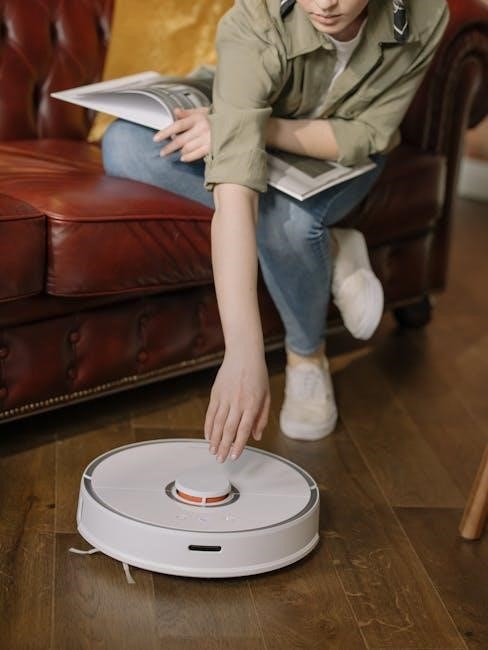
Eureka Vacuum Manuals: A Comprehensive Guide
Eureka offers a diverse range of cleaning solutions, from powerful uprights to innovative robot vacuums. This guide provides access to Eureka manuals, ensuring optimal performance and longevity.
Understanding Eureka Vacuum Models
Eureka manufactures a broad spectrum of vacuum cleaners designed for various cleaning needs. Their lineup includes traditional bagged and bagless upright vacuums, lightweight and powerful models like the PowerSpeed series, ideal for both carpets and hard floors. Eureka also excels in robotic vacuum technology, offering models such as the advanced J15 Pro Ultra with self-emptying capabilities and the more accessible E20 Plus.

Beyond residential models, Eureka provides a line of commercial vacuum cleaners, like the Sanitaire SC679, built for demanding environments. Understanding the specific series – RapidClean, FloorRover, or robotic lines – is crucial for locating the correct manual. Each model boasts unique features and maintenance requirements, detailed within its corresponding documentation. Identifying your vacuum’s series and model number is the first step towards effective troubleshooting and care, ensuring years of reliable cleaning performance.
Locating Your Specific Model Number
Finding your Eureka vacuum’s model number is essential for accessing the correct manual and replacement parts. Typically, the model number is located on a sticker affixed to the vacuum cleaner itself. Check the underside of the unit, the back, or near the power cord. For upright models, it’s often on the base or handle.
Robot vacuums usually have the model number printed on the bottom of the unit or on the charging base. The sticker will clearly display “Model Number” followed by a series of letters and numbers (e.g., NM200, J15 Pro Ultra, E20 Plus). Carefully record this number, as it’s vital when searching for manuals online or contacting Eureka customer support. Accurate identification ensures you receive the precise instructions and parts compatible with your specific Eureka vacuum model, maximizing its performance and lifespan.

Accessing Digital Eureka Vacuum Manuals
Eureka provides convenient access to digital manuals through their official website, Eureka US. Navigate to the “Support” or “Customer Service” section, where you’ll typically find a dedicated “Manuals” or “Downloads” area. You can search for your specific model number to quickly locate the corresponding PDF manual.
Alternatively, retailers like Amazon often link to digital manuals on their product pages for Eureka vacuums. Online databases and third-party websites may also host archived manuals, but always verify the source’s reliability. Downloading the manual allows you to easily reference instructions for assembly, operation, maintenance, and troubleshooting. Having a digital copy readily available on your computer or mobile device ensures you always have access to essential information for your Eureka vacuum cleaner.
Eureka PowerSpeed Series Manuals
The Eureka PowerSpeed series, known for its lightweight design and powerful suction, includes several models with readily available manuals. The popular PowerSpeed NM200 Series boasts a manual detailing assembly, operation on both carpets and hard floors, and maintenance procedures like filter cleaning. Users can find guidance on utilizing attachments for above-floor cleaning.
For the PowerSpeed Turbo Spotlight Series, the manual emphasizes the spotlight feature for enhanced visibility in dark areas. It also provides instructions on utilizing the turbo brush for pet hair removal. Both series manuals cover essential safety precautions, troubleshooting common issues like loss of suction, and guidance on proper storage. Accessing these manuals ensures users maximize the cleaning potential of their Eureka PowerSpeed vacuum.
PowerSpeed NM200 Series
The Eureka PowerSpeed NM200 Series manual provides detailed instructions for assembling and operating this lightweight upright vacuum. It covers transitioning between carpet and hard floor surfaces using the brushroll on/off switch, a key feature for versatile cleaning. The manual illustrates proper hose and attachment usage for above-floor tasks, like dusting furniture and cleaning upholstery.
Troubleshooting sections address common issues such as clogs and loss of suction, offering step-by-step solutions. Users will find guidance on emptying the dust cup and maintaining optimal performance. Safety precautions are prominently featured, emphasizing proper electrical connection and avoiding use on wet surfaces. The NM200 manual is designed to help owners efficiently utilize all features of this powerful, yet affordable, cleaning appliance, ensuring a consistently clean home.
PowerSpeed Turbo Spotlight Series
The Eureka PowerSpeed Turbo Spotlight Series manual details the operation of this enhanced upright vacuum, highlighting the integrated LED headlights for improved visibility in dimly lit areas. It explains the Turbo Brushroll feature, designed for superior pet hair removal and deep carpet cleaning. The manual provides clear diagrams for assembling the vacuum and attaching various accessories, including the crevice tool and dusting brush.
Specific attention is given to the advanced filtration system, outlining filter cleaning and replacement procedures to maintain suction power. Troubleshooting guides address issues like brushroll jamming and belt replacement. Safety instructions emphasize avoiding flammable liquids and ensuring proper grounding. This manual empowers users to maximize the cleaning potential of the Turbo Spotlight model, delivering a spotless home with ease and efficiency, while maintaining optimal vacuum health.
Eureka RapidClean Series Manuals
Eureka RapidClean Series manuals focus on the lightweight and maneuverable design of these vacuums, ideal for quick and efficient cleaning. These guides detail the simple assembly process and explain the functionality of features like the Quick-Release Wand and specialized cleaning heads. Users will find step-by-step instructions for transitioning between hard floors and carpets, optimizing cleaning performance on various surfaces.

The manuals emphasize the importance of regular filter maintenance for sustained suction. Troubleshooting sections address common issues such as clogs and brushroll malfunctions, offering practical solutions. Safety precautions are clearly outlined, including guidelines for cord management and avoiding use on wet surfaces. Accessing the RapidClean manual ensures users can fully utilize the vacuum’s capabilities, achieving a consistently clean home with minimal effort and maximum convenience.
Eureka FloorRover Series Manuals
Eureka FloorRover Series manuals detail the operation of these versatile vacuums designed for comprehensive floor care. These guides highlight the swivel steering and extended reach features, enabling effortless cleaning around furniture and in tight spaces. Users will find detailed instructions on adjusting the height settings for optimal performance on different floor types – from low-pile carpets to hardwood floors.
The manuals provide clear guidance on utilizing attachments, such as the crevice tool and dusting brush, for specialized cleaning tasks. Emphasis is placed on proper filter installation and replacement to maintain strong suction power. Troubleshooting sections address common concerns like brushroll jamming and loss of suction, offering practical solutions. Safety guidelines are prominently featured, ensuring safe and effective operation. Accessing the FloorRover manual empowers users to maximize the vacuum’s cleaning potential.
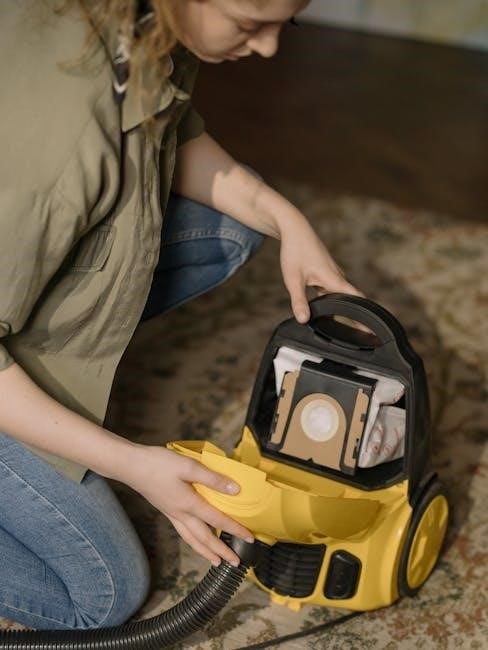
Eureka Robot Vacuum Manuals
Eureka Robot Vacuum Manuals are essential for maximizing the efficiency of these automated cleaning solutions. These guides detail setup procedures, including Wi-Fi connectivity and app integration for remote control and scheduling. Users will learn how to define cleaning zones, virtual walls, and no-go areas within their homes, customizing the robot’s cleaning path.
The manuals provide comprehensive instructions on maintaining the robot, including emptying the dustbin, cleaning sensors, and replacing brushes. Troubleshooting sections address common issues like navigation errors and connectivity problems, offering step-by-step solutions. Specific models like the J15 Pro Ultra and E20 Plus have dedicated manuals outlining their unique features, such as self-emptying bases and advanced mapping technologies. Understanding the manual ensures optimal performance and extends the lifespan of your Eureka robot vacuum.
J15 Pro Ultra Robot Vacuum Manual
The Eureka J15 Pro Ultra Robot Vacuum Manual details the setup and operation of this advanced cleaning system. It covers initial charging, connecting to the Eureka app for smart control, and utilizing the self-emptying base for convenient dust disposal. The manual explains how to leverage the robot’s advanced mapping capabilities, including creating multi-floor maps and setting specific cleaning zones.
Users will find detailed instructions on utilizing the mop function, filling the water tank, and selecting appropriate cleaning modes. Troubleshooting sections address common issues like error codes, navigation problems, and connectivity concerns. The manual also provides guidance on maintaining the robot, including cleaning the brushes, sensors, and dustbin. Mastering the J15 Pro Ultra manual unlocks the full potential of this powerful and intelligent cleaning solution, ensuring a spotless home with minimal effort.
E20 Plus Robot Vacuum Manual
The Eureka E20 Plus Robot Vacuum Manual provides comprehensive instructions for setting up and utilizing this bagless, self-emptying robot vacuum. It details the initial charging process, connecting to the Eureka app for remote control and scheduling, and understanding the robot’s various cleaning modes – auto, spot, and edge cleaning. The manual emphasizes the benefits of the bagless self-emptying station, explaining how to install and maintain the dust bag for extended cleaning cycles.
Users will find clear guidance on navigating the app interface, creating virtual boundaries, and customizing cleaning preferences. Troubleshooting sections address common issues like brushroll tangles, sensor errors, and connectivity problems. The manual also includes detailed maintenance instructions, covering filter cleaning, brushroll replacement, and overall robot care. By following the E20 Plus manual, users can maximize the efficiency and lifespan of their robotic cleaning companion, enjoying a consistently clean home.
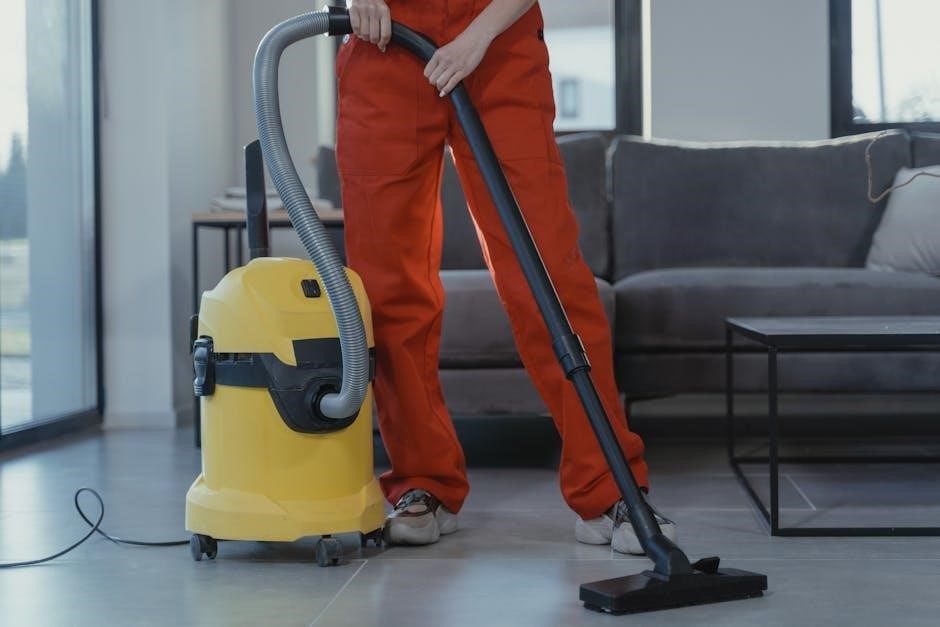
Troubleshooting Common Issues (Based on Manuals)
Eureka vacuum manuals consistently address several common user issues. Loss of suction is frequently resolved by checking and emptying the dust cup or bag, and inspecting filters for clogs – regular cleaning is vital. For robotic models like the J15 Pro Ultra and E20 Plus, manuals detail troubleshooting sensor errors, often requiring a simple wipe of the sensors. Brushroll issues, such as tangling with hair or string, are addressed with clear instructions on safe removal and cleaning.
Connectivity problems with app-controlled robots are often solved by resetting the robot and re-establishing the Wi-Fi connection. Manuals also guide users through error code interpretations, providing specific solutions for each code displayed. Power issues typically involve checking the power cord, outlet, and ensuring the dust cup isn’t overfull. Following these manual-based troubleshooting steps can often resolve issues without requiring professional repair.
Filter Replacement Guides
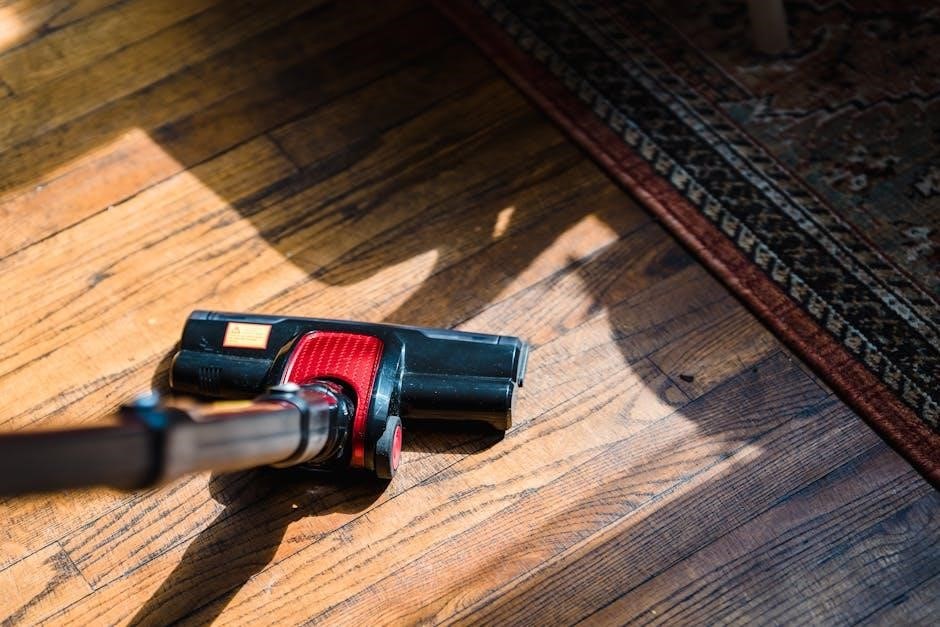
Eureka vacuum manuals emphasize the importance of regular filter replacement for maintaining optimal suction and air quality. Filter replacement frequency varies by model and usage, but generally, foam filters should be washed monthly and replaced every three months. HEPA filters, crucial for trapping allergens, typically require replacement every six to twelve months.
Manuals provide step-by-step instructions, often with diagrams, detailing how to locate and remove the filters. For upright models like the PowerSpeed series, the filter is usually accessible near the dust cup. Robot vacuum manuals, such as those for the J15 Pro Ultra, illustrate filter locations within the dustbin. Eureka recommends using genuine Eureka replacement filters to ensure compatibility and performance. Neglecting filter maintenance can lead to reduced suction, motor overheating, and decreased air filtration efficiency.
Belt Replacement Instructions
Eureka vacuum manuals detail belt replacement as a crucial maintenance task for upright models, particularly those with brushroll agitation. A worn or broken belt will prevent the brushroll from spinning, significantly reducing cleaning effectiveness. Manuals advise unplugging the vacuum before beginning any maintenance. Typically, access to the belt requires removing the bottom plate of the vacuum cleaner.
Instructions illustrate how to release the tension on the belt, remove the old belt from the brushroll and motor shaft, and install the new belt, ensuring it’s properly seated in the grooves. Eureka manuals often include diagrams showing the correct belt routing. It’s recommended to inspect the brushroll for debris and clean it simultaneously. Using a genuine Eureka replacement belt is vital for proper fit and function. Regular belt checks, as outlined in the manuals, prevent damage to the motor and maintain optimal cleaning performance.
Brushroll Cleaning and Maintenance
Eureka vacuum manuals consistently emphasize the importance of regular brushroll cleaning for maintaining suction and cleaning performance. Hair, string, and carpet fibers frequently wrap around the brushroll, hindering its rotation and reducing its effectiveness. Manuals instruct users to unplug the vacuum before any maintenance. Accessing the brushroll usually involves removing the bottom plate or a dedicated access panel.
Detailed instructions guide users on how to remove the brushroll, often requiring a simple release mechanism or screw removal. Once removed, the manual advises using scissors or a seam ripper to carefully cut away any tangled debris. Eureka manuals also recommend periodically inspecting the brushroll bristles for wear and tear, suggesting replacement if significantly damaged. Reinstalling the brushroll correctly, ensuring it spins freely, is crucial; Consistent brushroll maintenance, as detailed in the manuals, extends the life of the vacuum and optimizes cleaning results.
Understanding Error Codes
Eureka robot vacuum manuals, particularly those for the J15 Pro Ultra and E20 Plus models, include sections dedicated to interpreting error codes displayed on the vacuum or within the accompanying mobile app. These codes signal specific issues, ranging from sensor malfunctions to navigation problems or obstructions. The manuals provide a comprehensive list of these codes and their corresponding meanings.
For example, a code might indicate a blocked suction pathway, a full dustbin, or a problem with the charging station. Eureka manuals guide users through troubleshooting steps for each error, often starting with simple solutions like clearing obstructions or emptying the dustbin. More complex errors may require contacting Eureka customer support. Understanding these error codes, as outlined in the manuals, empowers users to diagnose and resolve issues independently, minimizing downtime and maximizing the vacuum’s operational efficiency.
Where to Buy Replacement Parts
Eureka vacuum manuals frequently direct users to the official Eureka US website as the primary source for genuine replacement parts. This ensures compatibility and maintains the vacuum’s performance standards. However, several other retailers also stock Eureka parts, offering convenience and potentially competitive pricing.
Amazon.com is a readily accessible option, carrying a wide selection of Eureka components, including filters, belts, and brushrolls. eBay provides both new and used parts, often at discounted rates, but requires careful vetting of sellers. Additionally, some appliance parts retailers specialize in vacuum components and may carry Eureka spares. When purchasing, referencing the specific model number from your Eureka vacuum manual is crucial to guarantee the correct part is ordered. Always prioritize genuine Eureka parts for optimal functionality and to uphold the vacuum’s warranty.
Eureka Commercial Vacuum Manuals
Eureka also manufactures a robust line of commercial vacuum cleaners designed for heavy-duty cleaning in businesses and industrial settings. These models, often branded under Sanitaire (a Eureka company), require specific maintenance and troubleshooting procedures detailed in their dedicated manuals.
Finding the correct manual for a Eureka commercial vacuum, like the Sanitaire SC679, typically involves searching the Eureka US official site or directly on the Sanitaire website. These manuals emphasize safety protocols for commercial use, detailed cleaning schedules for high-traffic areas, and specific instructions for maintaining peak suction power. They also cover advanced troubleshooting steps related to motor maintenance and electrical components. Accessing these manuals is vital for ensuring the longevity and efficient operation of Eureka’s commercial-grade cleaning equipment, maximizing return on investment for businesses.
Safety Precautions from Eureka Manuals
Eureka vacuum manuals consistently prioritize user safety, outlining crucial precautions to prevent injury and ensure proper operation. A common warning across models advises against using the vacuum to clean flammable liquids or combustible materials, mitigating fire hazards. Manuals also stress the importance of disconnecting the vacuum from the power source before performing any maintenance, such as filter replacement or brushroll cleaning.
Furthermore, Eureka manuals caution against operating a vacuum with a damaged cord or plug, recommending immediate repair or replacement. They also highlight the need to avoid pulling the vacuum by the cord and to keep the cord away from heated surfaces. For robot vacuums, manuals emphasize keeping the area clear of small objects and cords to prevent entanglement. Adhering to these safety guidelines, detailed within each model’s manual, is paramount for a safe and effective cleaning experience.
Warranty Information and Manual Access
Eureka vacuum warranties vary by model and purchase date, typically ranging from one to two years covering manufacturing defects. Registration of your vacuum often extends the warranty period, a practice Eureka encourages through their official website. Detailed warranty information, including specific terms and conditions, is included within each product’s manual and on the Eureka US official site.
Accessing Eureka vacuum manuals is straightforward. The official Eureka website provides a comprehensive digital library, searchable by model number. Alternatively, many retailers, such as Amazon, link directly to downloadable manuals for specific Eureka products. Keeping your manual readily available ensures easy access to troubleshooting tips, maintenance schedules, and warranty details. Retaining proof of purchase is also vital for any warranty claims, alongside the relevant manual documentation.